
Access Profiles are used to share documents or Collections with a team or any group of individuals.
The people in this group can be assigned rights for working with The documents and conditions the access profile pertains to.
This is useful for sharing documents with your organisation, whilst still controlling specifics of the access.
The Access Profiles page is found by clicking "Access Profiles" in the Main Menu.
Access Profiles page
The Access Profiles page lists in a table your current access profiles. The title on the left and the number of users in the profile on the right.
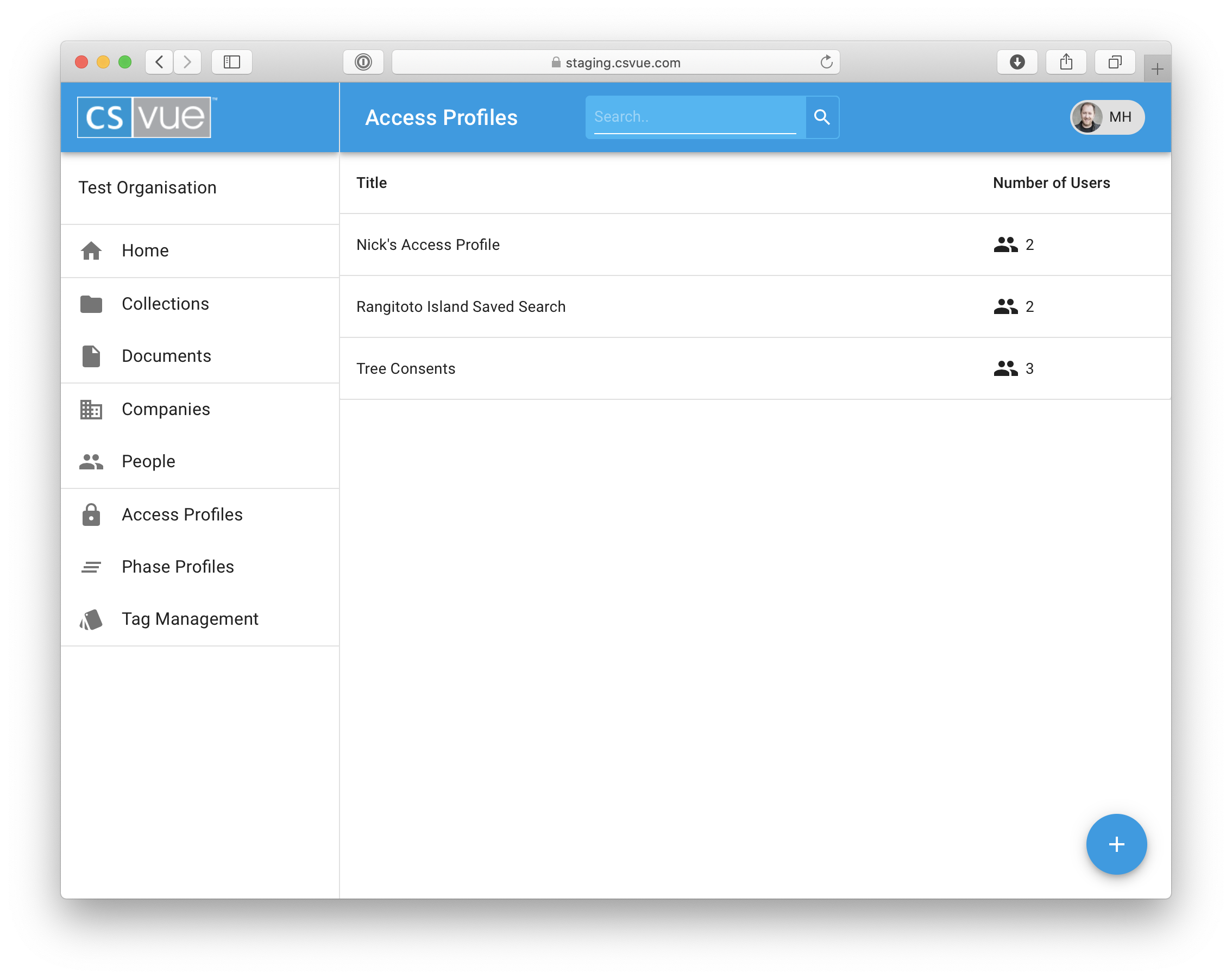
Adding a new access profile is actioned by clicking the + button and then selecting the lock icon next to the title "Create Access Profile"
Editing an existing Access profile is actioned by clicking on an Access Profile and the selecting the edit icon.
Access Profile Dialog

The Dialog is made up of;
The Title A simple editable description of the Access Profile
The Users that are subject to the Access Profile. All the users will have the same rights as granted by the Access rights section
Access Rights These entities that are being shared and their related rights that are given in this Access Profile.
Comments
0 comments
Please sign in to leave a comment.